
Sign in
Sign in to your E-Splice account.
Sign in
Sign in to your E-Splice account.

Sign up
Create your E-Splice account.
Sign up
Create your E-Splice account.
Last updated Oct 22, 2026
In short: E-Splice Service Portal is field service software for companies that send people to job sites, for example HVAC, plumbing, electrical, garage door, pest control and cleaning. You book jobs, dispatch technicians, see them on a live GPS map, send customers an on-the-way link and record payment on site, all inside your E-Splice account.
For HVAC, plumbing, electrical, garage door, pest control, cleaning and every company that sends people to job sites. Book the job, dispatch the right technician, see the van on the map, send the customer an “on the way” link, take payment on site and keep the history, all in your E-Splice account.
Buy Service Portal + 1 technician Start a free trial Read the guide
$29.99/month for Service Portal plus $99/month per technician or vehicle. On the Team plan, Service Portal and 1 technician or vehicle seat are included, and each extra technician is $99/month.
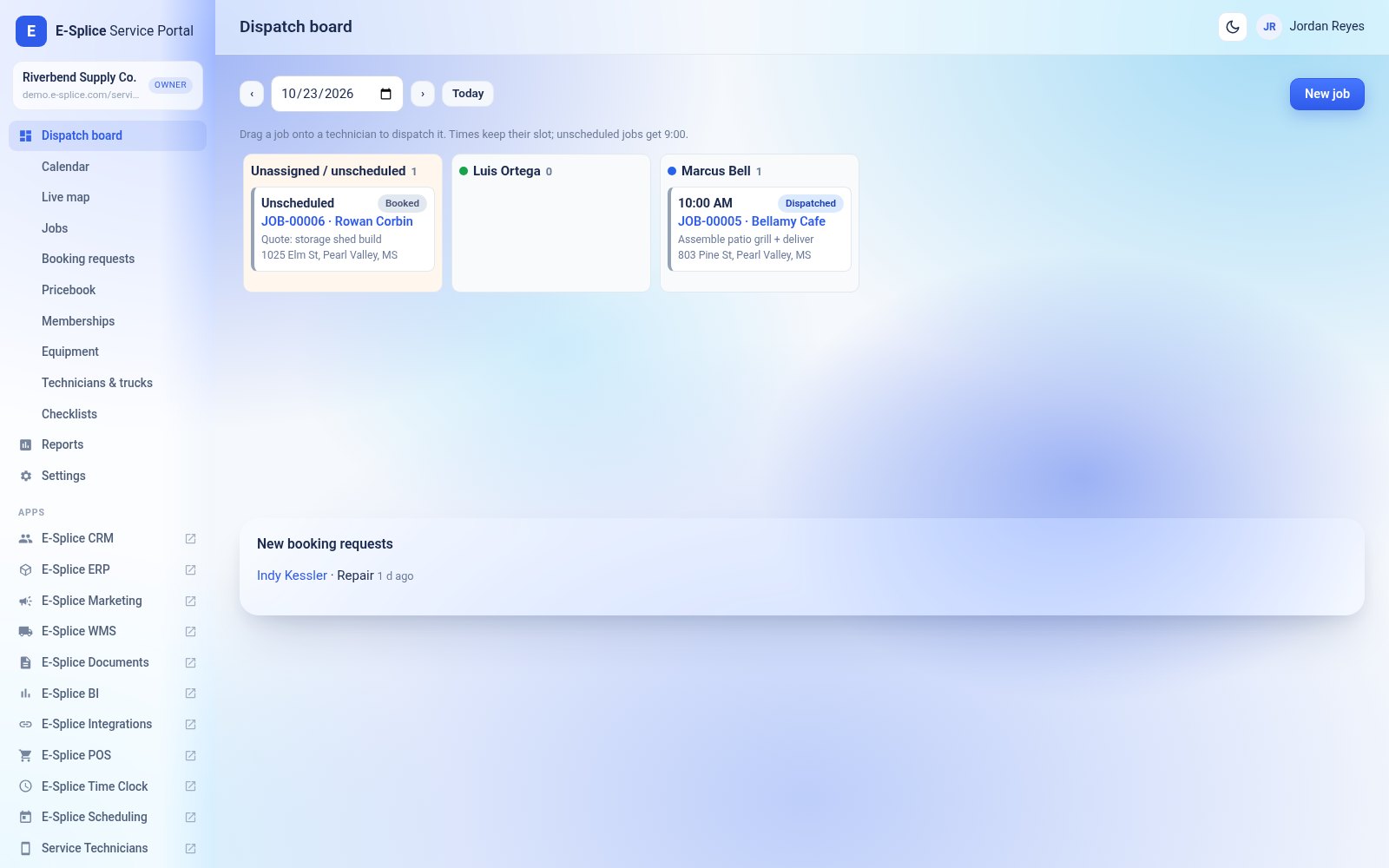
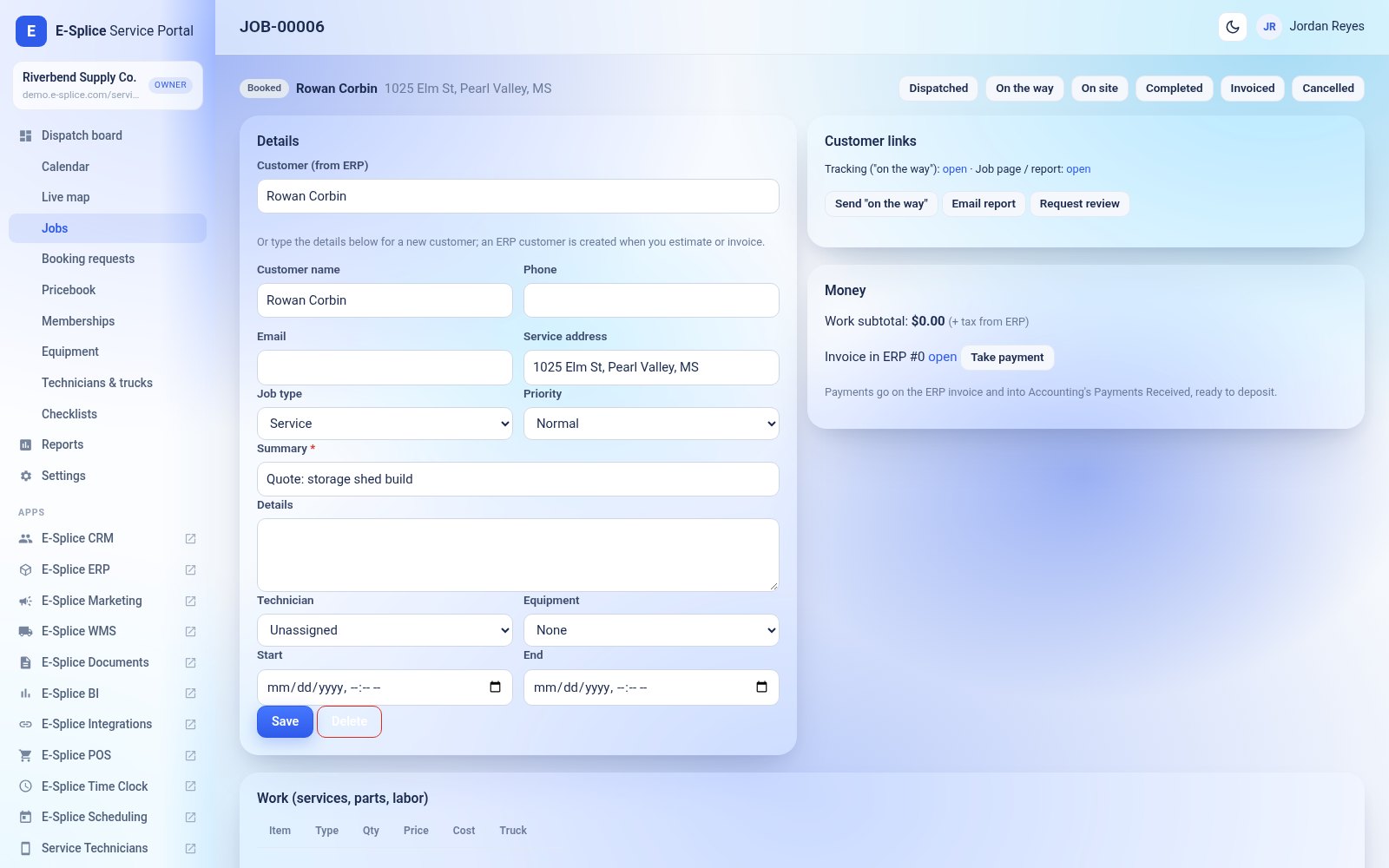
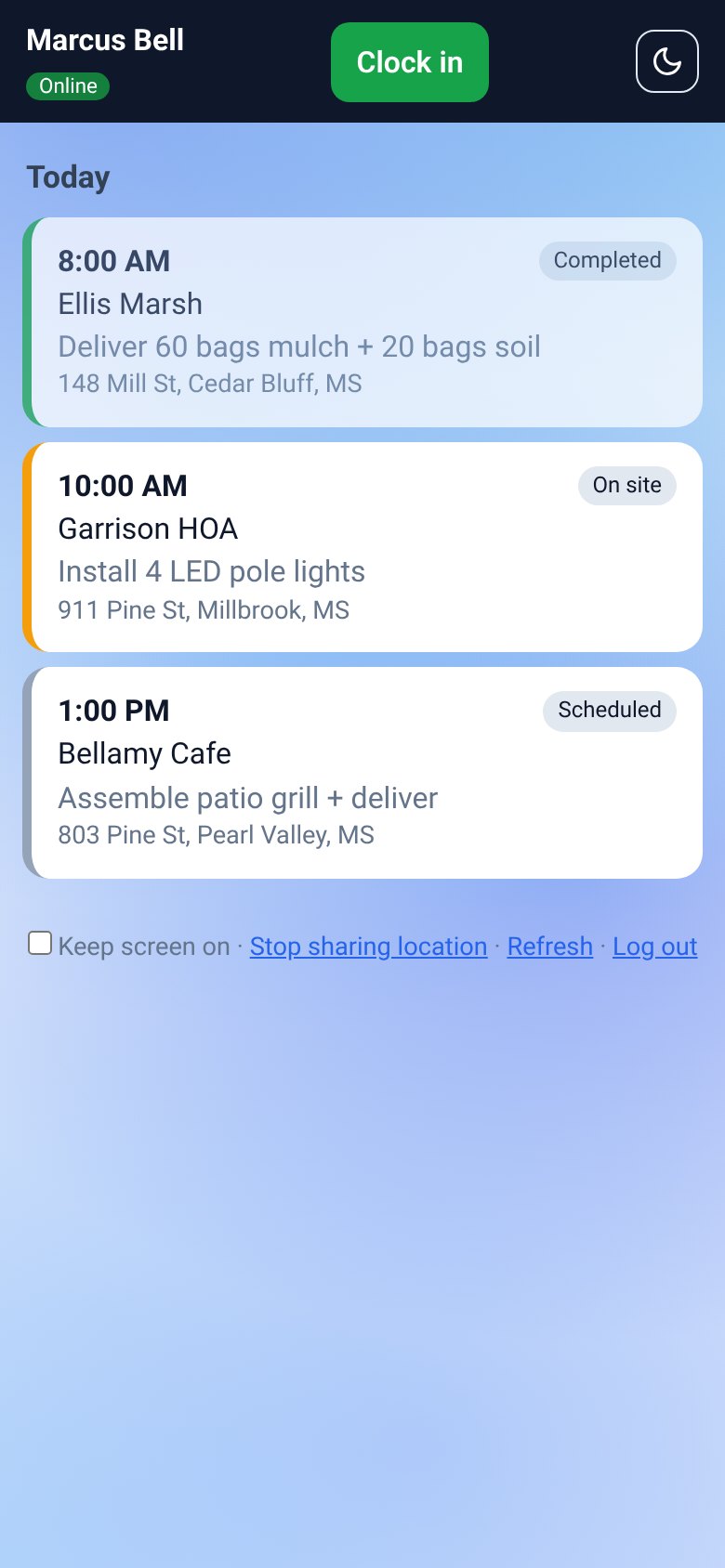
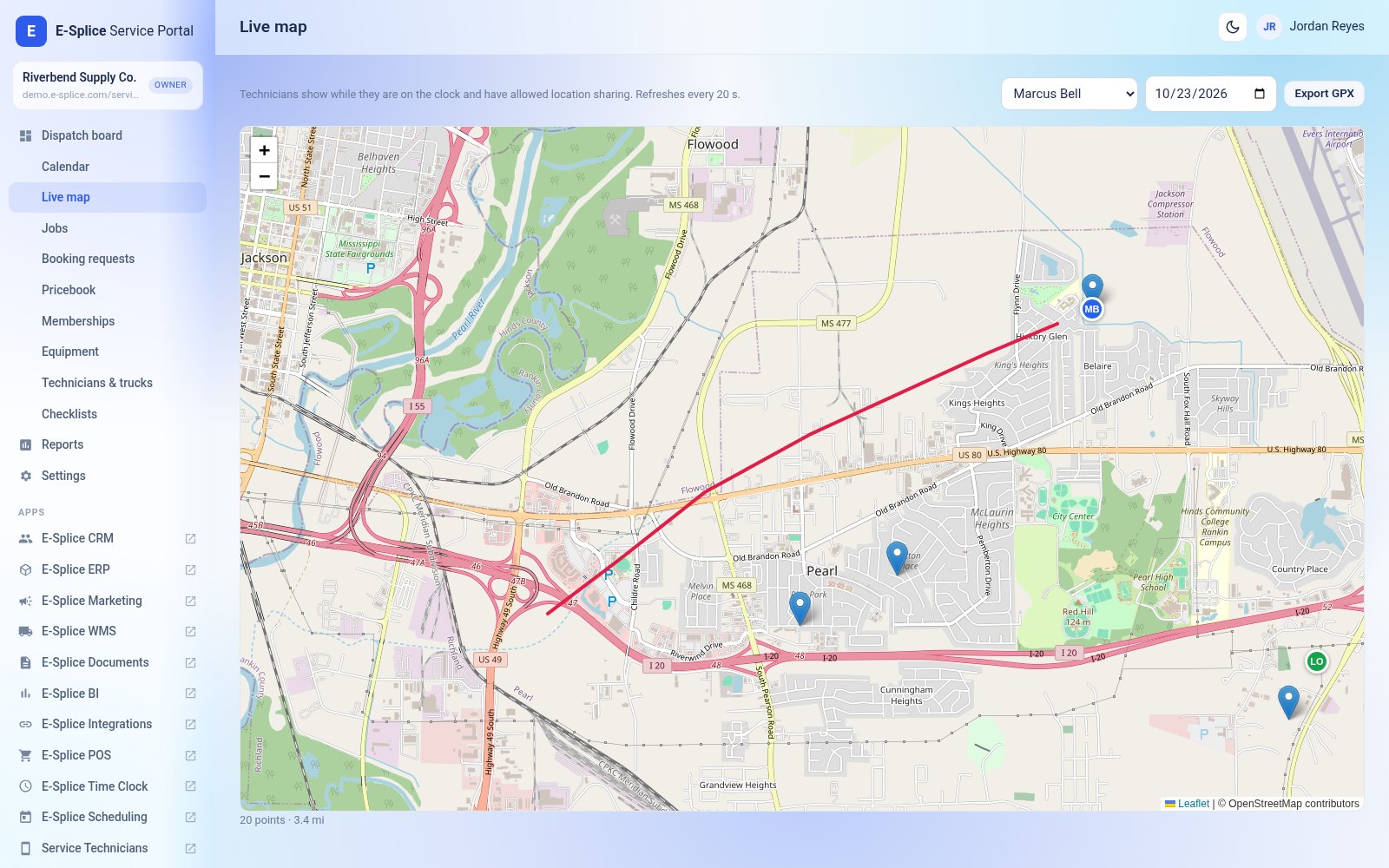

When the technician taps On the way, the customer gets a link by email showing the technician’s name, an arrival estimate and their position on a map. The location is shown only while they are driving to the customer.
The same link opens the customer page: visit details, estimate options to approve, the service report and the invoice. Customers can also sign in to the customer portal with an emailed link to see all their visits.
| Option | Price | What you get |
|---|---|---|
| Service Portal add-on | $29.99/mo + $99/mo per technician or vehicle | Service Portal and the Service Technicians app, added to your E-Splice apps. No free seat. |
| Team plan | Service Portal and 1 seat included; extra technicians $99/mo each | All E-Splice apps plus Service Portal with 1 technician or vehicle seat. |
Seats are prorated when you add or remove technicians. Pay by card (Stripe) or PayPal. Service Portal switches on automatically after payment.
Buy Service Portal + 1 technician Add technician seats See the Team plan
How much does Service Portal cost?
Service Portal is a paid add-on: $29.99/month plus $99/month for each technician or vehicle. There is no free seat when you buy the add-on on its own. The Team plan includes Service Portal and 1 technician or vehicle seat; each extra technician on Team is $99/month.
What counts as a seat?
One seat covers one active technician or one active vehicle. We count whichever is higher, so 3 technicians sharing 2 vans use 3 seats.
Can I add or remove technicians later?
Yes. Change the seat quantity from My Account > Subscriptions. Adding seats is prorated for the rest of the month, and removing seats gives a credit toward your next renewal.
Do my technicians need to install an app?
No app store is needed. Service Technicians is a web app that technicians open on their phone and add to the home screen. It keeps working without signal and syncs when the phone is back online.
When is a technician's location tracked?
Only while the technician is clocked in and has agreed to share their location in the app. Customers see the location only while the job is marked "on the way". Location history is deleted automatically after the number of days you choose (90 by default).
Which apps does it work with?
Service Portal uses ERP for customers, estimates, invoices and stock, sends payments into Accounting, and uses Time Clock for clock-in and labor cost. It works best with ERP; Time Clock and Accounting are optional.
Do I need Twilio or a maps account?
No. Maps use free OpenStreetMap and emails are built in. Optional ‘on the way’ and review texts when you connect your own Twilio account.
Is there a free trial?
Basic, Premium and Team each come with a 14-day free trial (card or PayPal at signup, nothing charged until day 15). A Team trial includes Service Portal with its 1 technician seat; on other plans, add Service Portal from your dashboard when you're ready, or contact us if you'd like a guided demo for your team.
More answers in the Service Portal troubleshooting FAQ.
Get Service Portal Start a free trial Talk to us
Who is Service Portal for?
Home-service and trade businesses, for example HVAC, plumbing, electrical, garage door, pest control and cleaning.
Can technicians record payment in the field?
They can record payment on site in the Service Technicians app, even offline. E-Splice does not process cards in the field; payments post to Accounting’s Payments Received.
Can customers book online?
Yes. Service Portal includes a customer portal and booking.
Try E-Splice free for 14 days with Basic, Premium or Team. Card or PayPal at signup; nothing is charged for the plan until day 15, and you can cancel from My Account before then.
Start your 14-day free trial Talk to us or call (601) 487-8979
