
Sign in
Sign in to your E-Splice account.
Sign in
Sign in to your E-Splice account.

Sign up
Create your E-Splice account.
Sign up
Create your E-Splice account.
Ring up orders at the counter with E-Splice POS, take orders on your own WooCommerce website, schedule your staff and track their hours, and keep the books, all from one account.
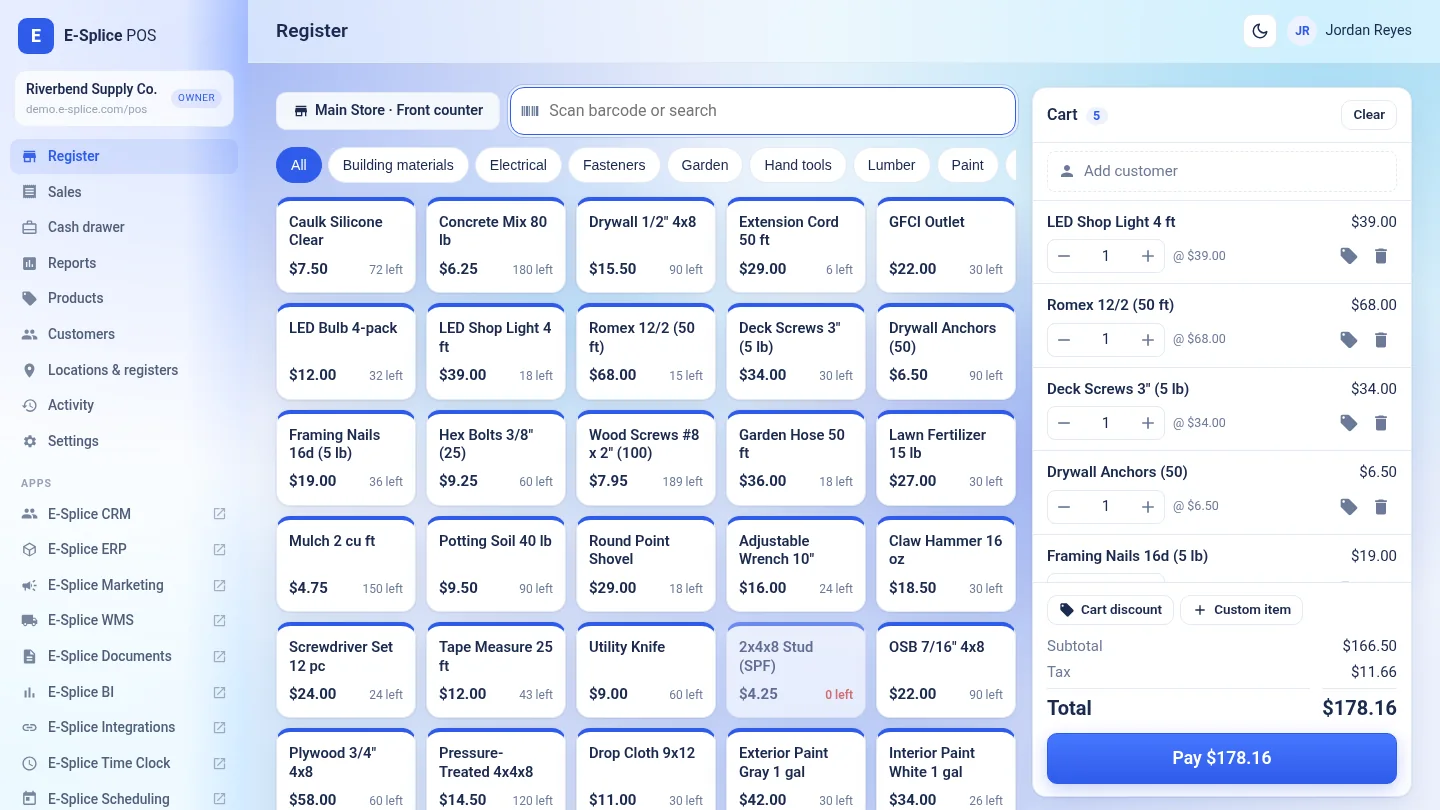
"POS: product grid, barcode or SKU scan, split tenders, printed or emailed receipts, refunds and a cash drawer with X and Z reports."
E-Splice POS"Scheduling and Time Clock: publish the weekly shift schedule, clock in on a shared PIN kiosk, approve timesheets and export payroll."
Scheduling and Time Clock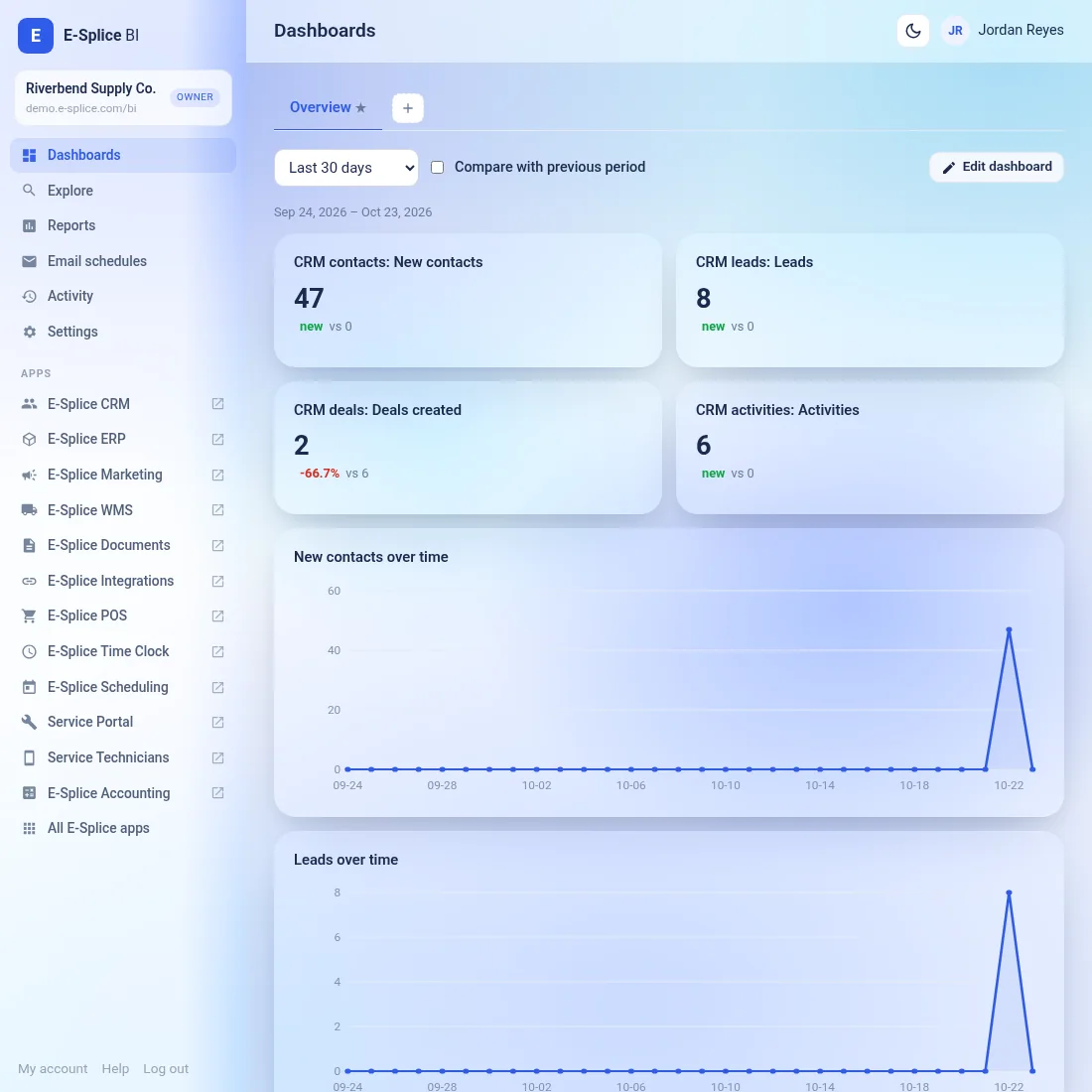
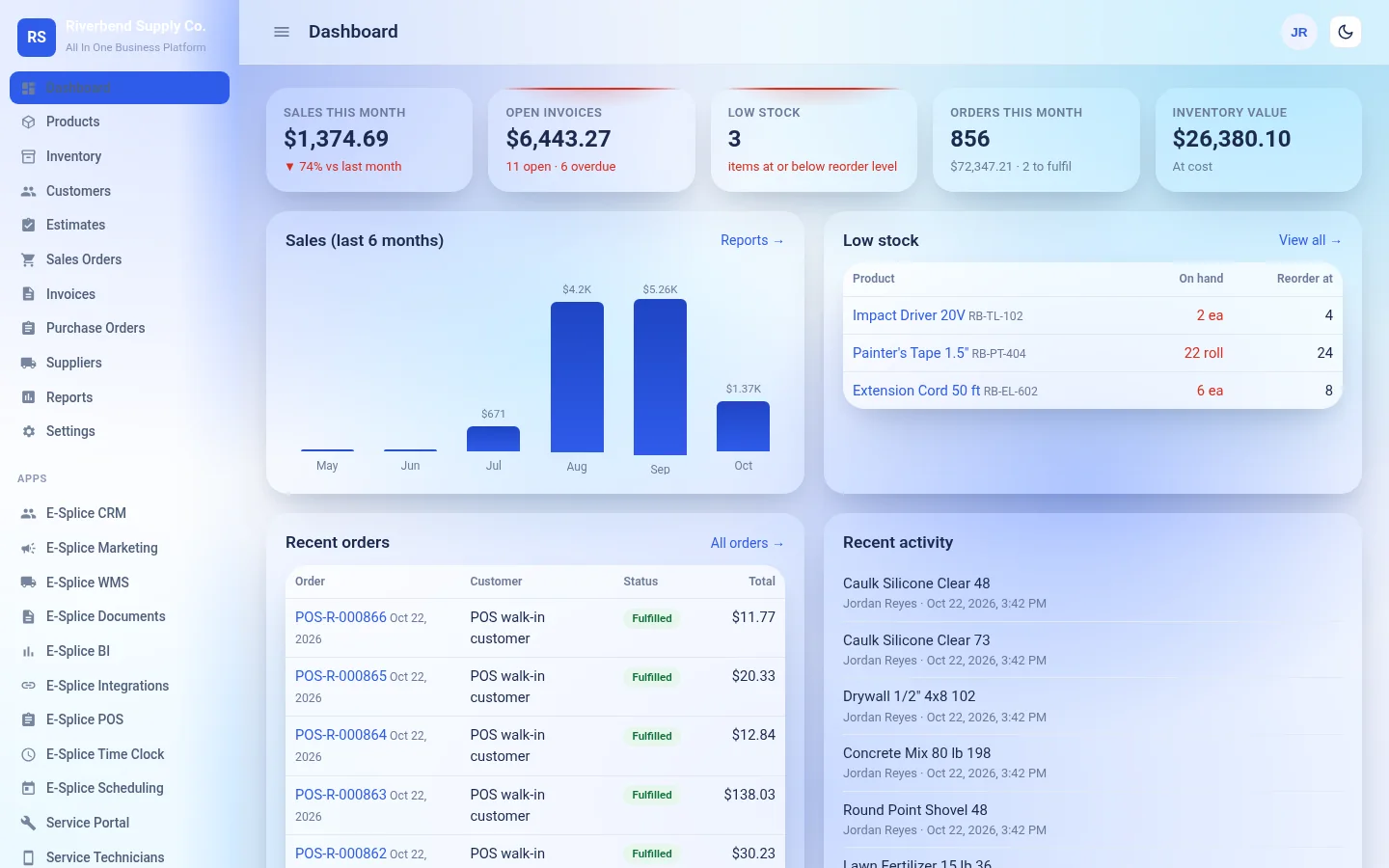
Every E-Splice app uses the same customers, products, team and locations, so a sale in POS, the stock in ERP and the invoice in Accounting all line up.
CRM, Marketing, ERP, POS, Accounting, Integrations, WMS, Documents, BI, Time Clock, Scheduling and Service Portal.
Basic, Premium and Team, monthly or yearly, plus Enterprise.
One login and one team across every app in your plan.
Questions about your account, billing, an app or your website? Start with our help center and documentation, or contact us by phone or email.
Your hosted WordPress/WooCommerce site comes with the Grainhouse theme by default, and Vela and Northline are available too. Add your logo, colors and pages from the E-Splice admin dashboard.
Basic and Premium are priced per location. See all plans, including Team and Enterprise, on the pricing page.
Everything Included In Basic, plus:
Stop stitching together separate tools. Choose a plan, sign in once and run your business from one place.
