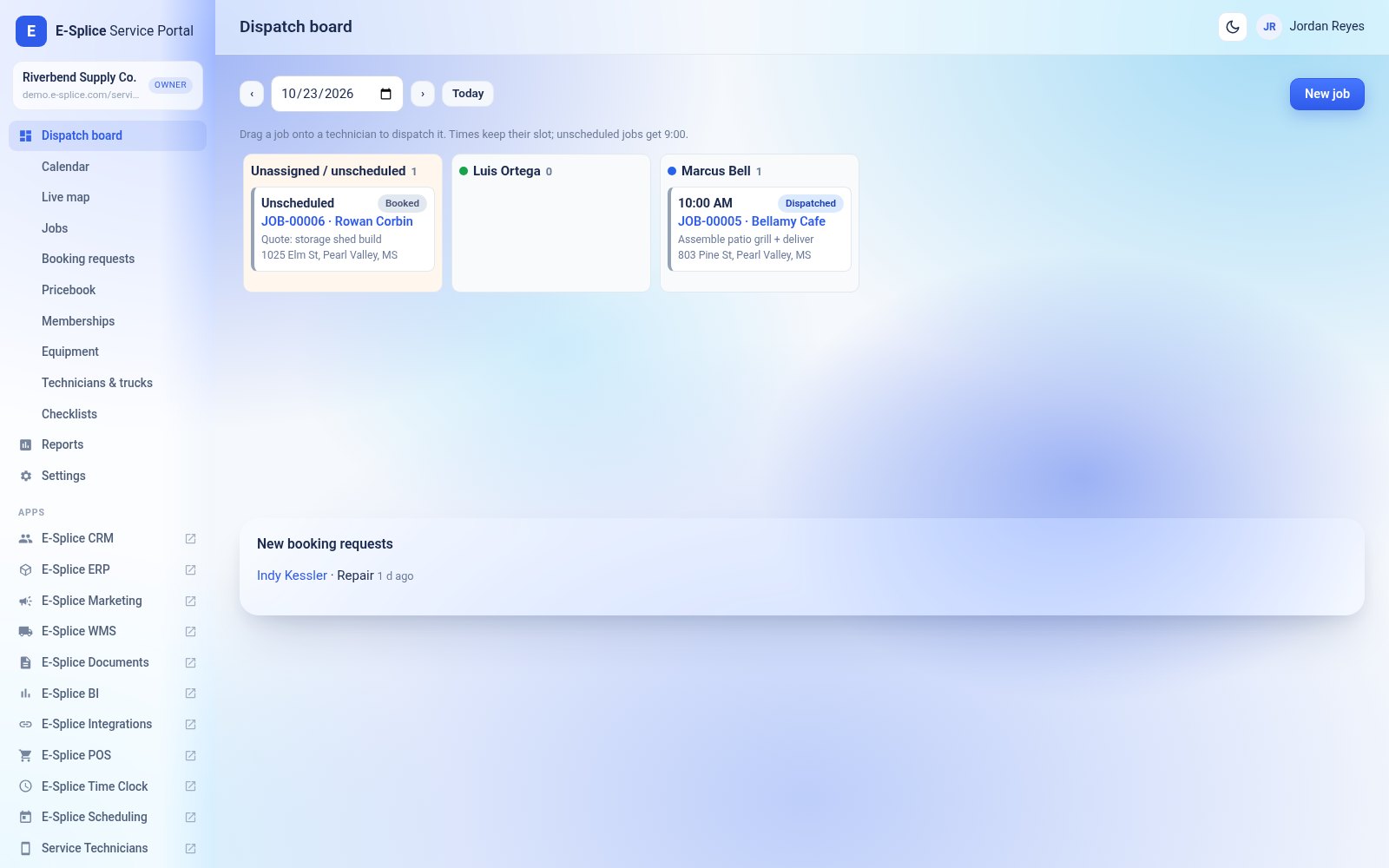

Service Portal is the E-Splice app for companies that do field work. The office uses Service Portal to book, dispatch and bill jobs. Technicians use the Service Technicians mobile app in the field.
What you need
- An E-Splice account with ERP (customers, estimates, invoices and stock). Accounting and Time Clock are optional but recommended.
- The Service Portal add-on, or the Team plan. See Buying and turning on Service Portal.
- One technician or vehicle seat for each technician. See Technician and vehicle seats.
Set up in 10 minutes
- Open Service Portal from your E-Splice dashboard (the app list, or My Account > Service Portal).
- Go to Technicians & trucks. Add your vehicles, then add each technician and link them to their E-Splice login. Invite them to your company first under your team settings if needed.
- Open Pricebook and click Import ERP products, or add your services and parts.
- Check Settings: job types, booking form, review link and tracking.
- Create your first job with New job and drag it onto a technician on the dispatch board.
- Send each technician the Service Technicians link so they can install the app.