
Install it
- Make sure the technician is linked to their login under Technicians & trucks.
- Send them the Service Technicians link from that page (it’s
/service-tech/on your E-Splice site). - They sign in, then add it to the home screen: iPhone: Safari > Share > Add to Home Screen. Android: Chrome > menu > Install app or Add to Home screen.
Offline
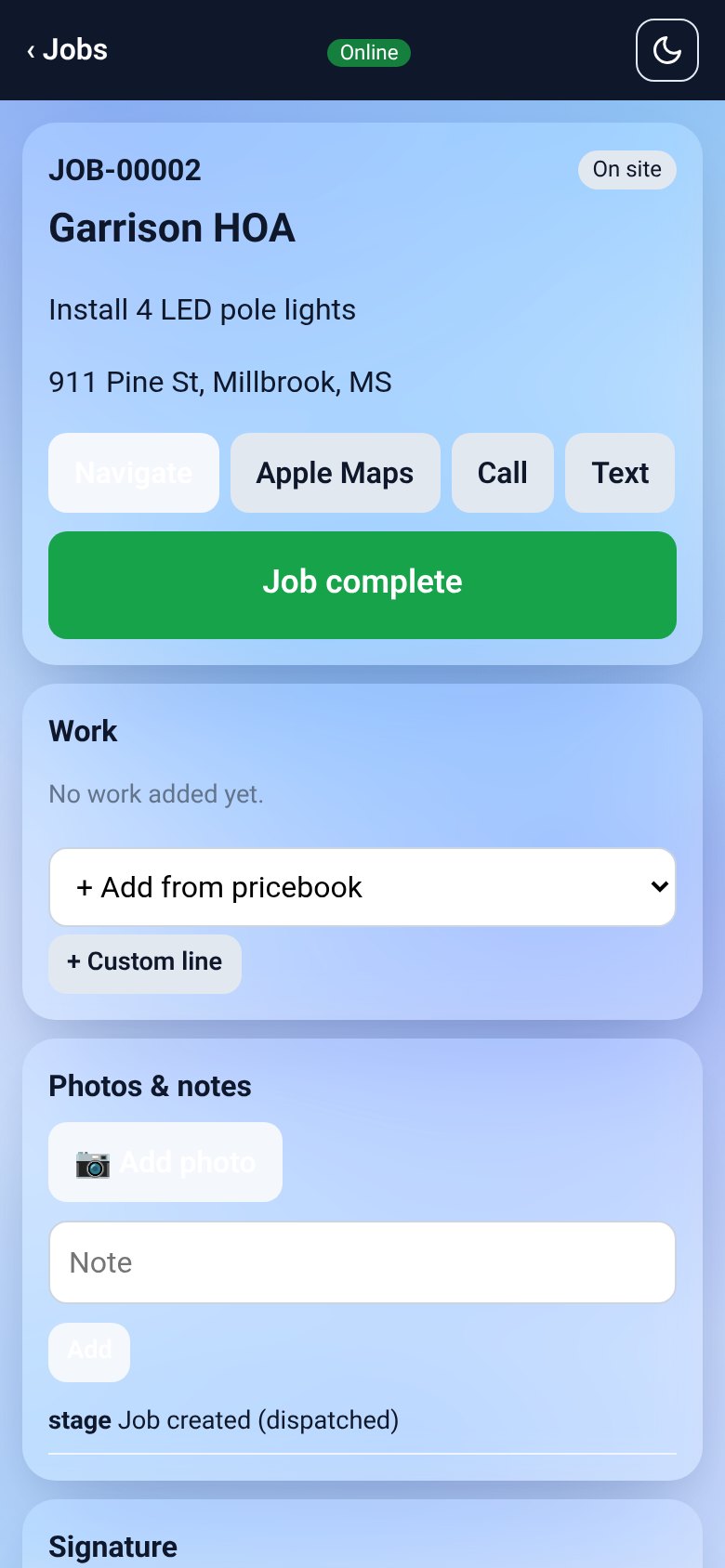
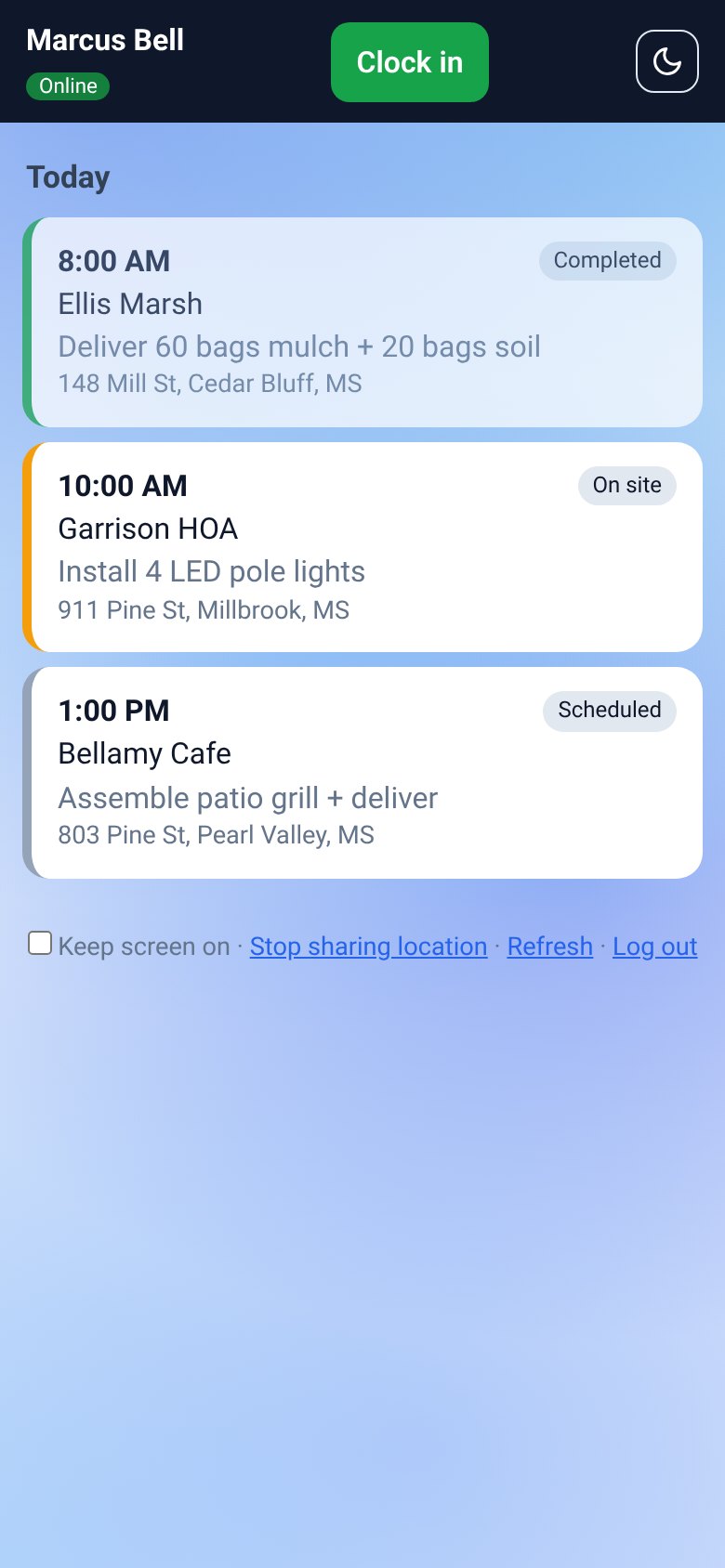
The app keeps today’s jobs on the phone. Notes, photos, checklists, signatures, stage changes and payments made without signal are queued and sent automatically when the phone is back online. The header shows Online or Offline and how many changes are waiting to sync.
Clock in and out
Tap Clock in at the start of the day. This uses E-Splice Time Clock (so hours go to timesheets and payroll); without Time Clock, it’s an on-duty switch.
Location sharing
The first time, the app asks the technician to allow location sharing. Their location is sent only while they’re clocked in, and they can stop sharing at any time. Turn on Keep screen on while driving for the most accurate tracking. Very inaccurate points are ignored, and impossible jumps are flagged for the office.