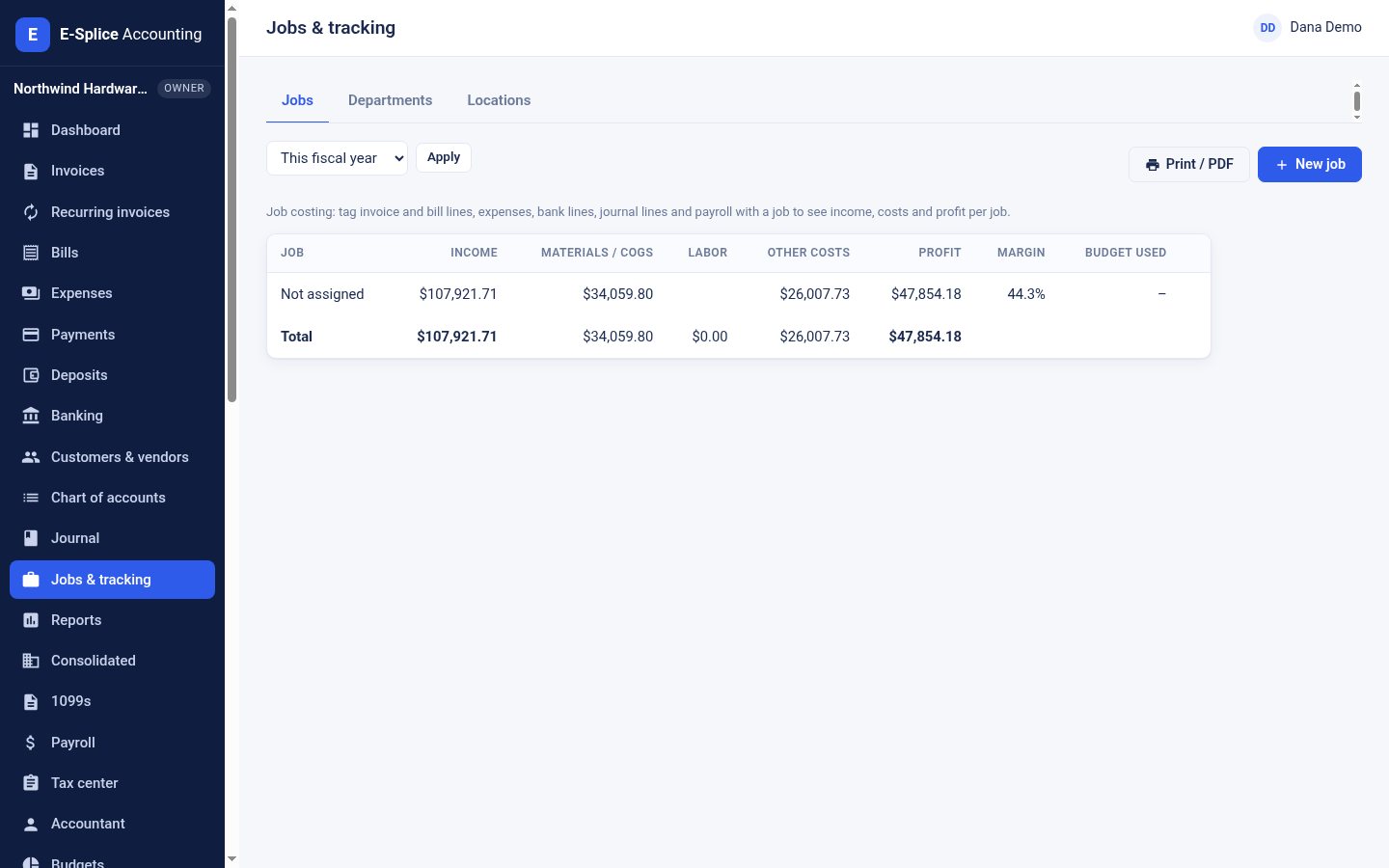

- Open Jobs & tracking and add jobs, departments or locations. Use Pull locations from Time Clock / ERP to reuse locations you already have.
- Tag invoice and bill lines, expenses, bank lines, journal lines and employees (for payroll) with a job, department or location.
- Open a job to see its income, costs and profit, or run the profit and loss by department or location in Reports.
Payroll posts wages to the job on each Time Clock punch, or to the employee’s default job, department or location.