
When you first open Accounting it creates a standard chart of accounts for your workspace. Then:
- Settings: set your fiscal year start, default payment terms, invoice numbering and your logo, and turn on payment reminders if you want them.
- Chart of accounts: add, rename or deactivate accounts. Each account has a type (asset, liability, equity, income, expense) and can have a parent for sub-accounts.
- Bank and card accounts: in Banking, choose Add a bank or credit card account.
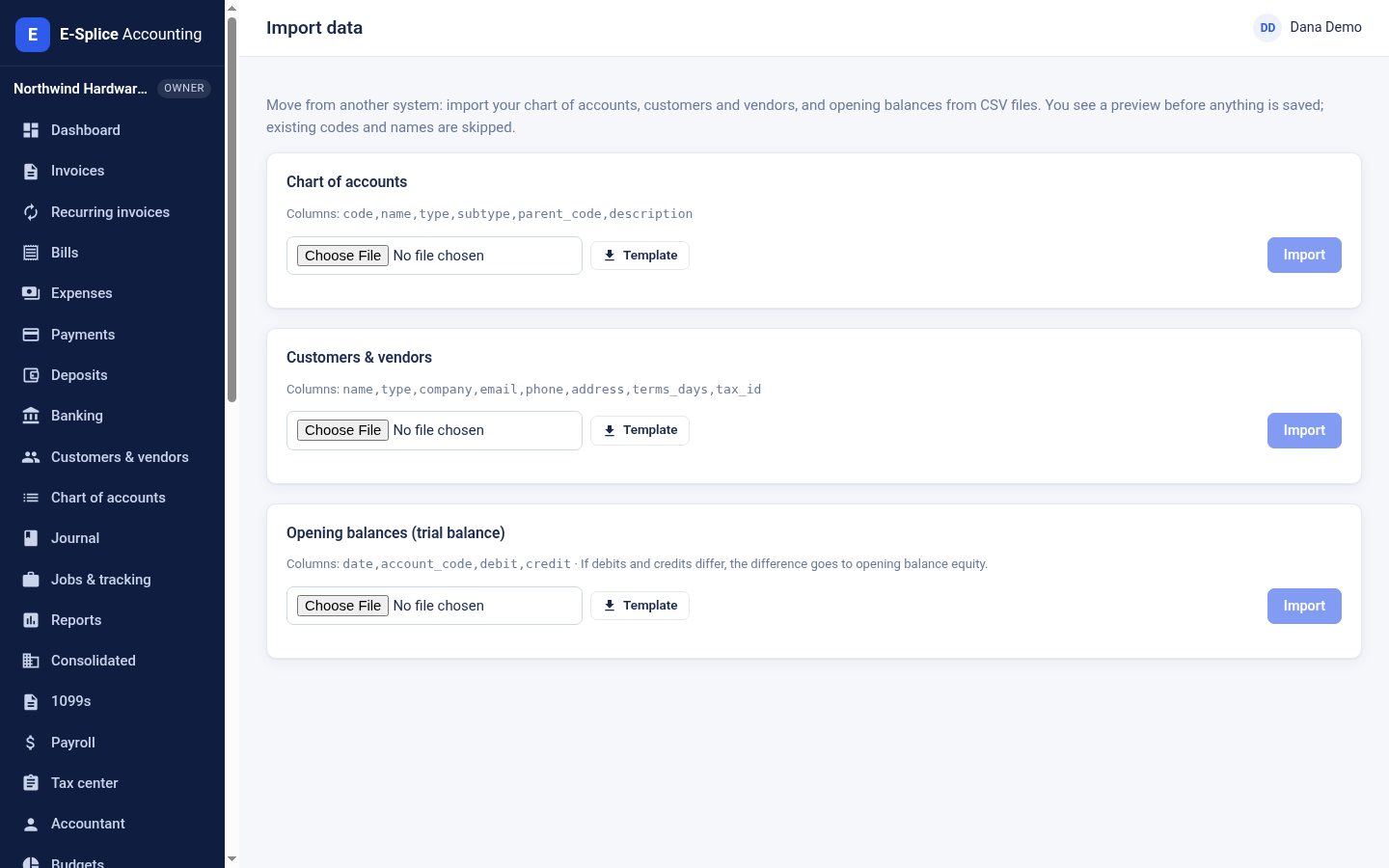
- Opening balances: in Import data, upload a trial balance as of your start date (date, account code, debit, credit). Any difference goes to Opening balance equity. Or enter a journal entry.
- Customers and vendors: add them in Customers & vendors, or import a CSV in Import data. Contacts from ERP and POS are shared automatically.
- Sales tax: add your tax rates.
- Connected apps: if you use POS or ERP, their sales, refunds, invoices, payments and received purchase orders post to the books automatically. Use Sync now on the dashboard to pull the latest.
Every import shows a preview before anything is saved, and existing codes and names are skipped. For a full move from other software (history, open invoices and bills), use Data Migration, which you can open from Import data.