
- Open a vendor in Customers & vendors and fill in the 1099 contractor section: tick This vendor gets a 1099 and choose the form and box (1099-NEC box 1, or a 1099-MISC box such as rents or attorney proceeds).
- Choose Request W-9 to email the contractor a private link. They fill in their W-9 there, and can later see payments and download their 1099s.
- Pay them as usual through bills and expenses. Card payments are excluded, as the IRS requires, because the card company reports them.
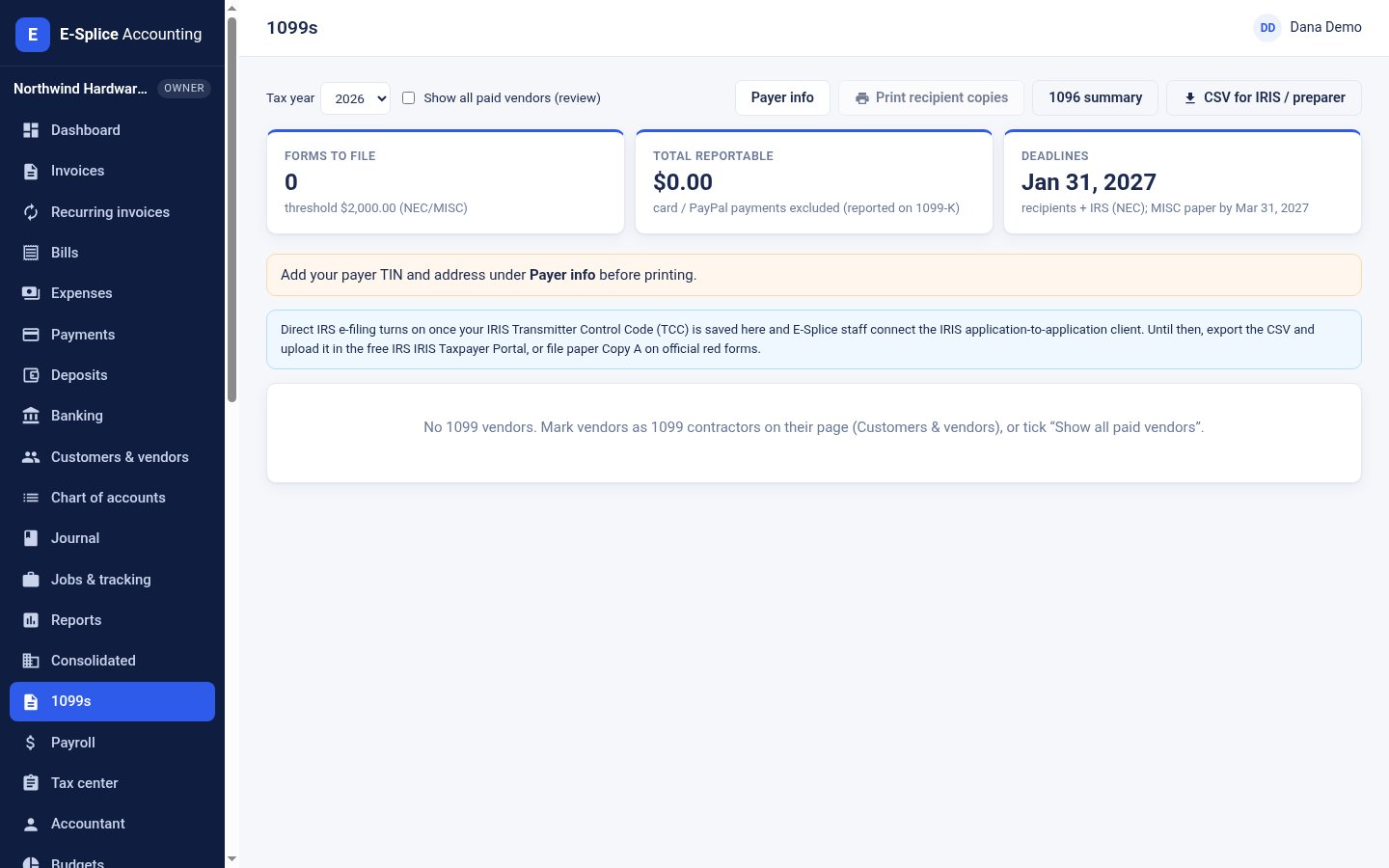
- In 1099s, pick the year to see each contractor’s total and whether they are over the threshold.
- Choose Print recipient copies and print the 1096 summary, or CSV for IRIS / preparer to e-file through the IRS IRIS system or give to your preparer.