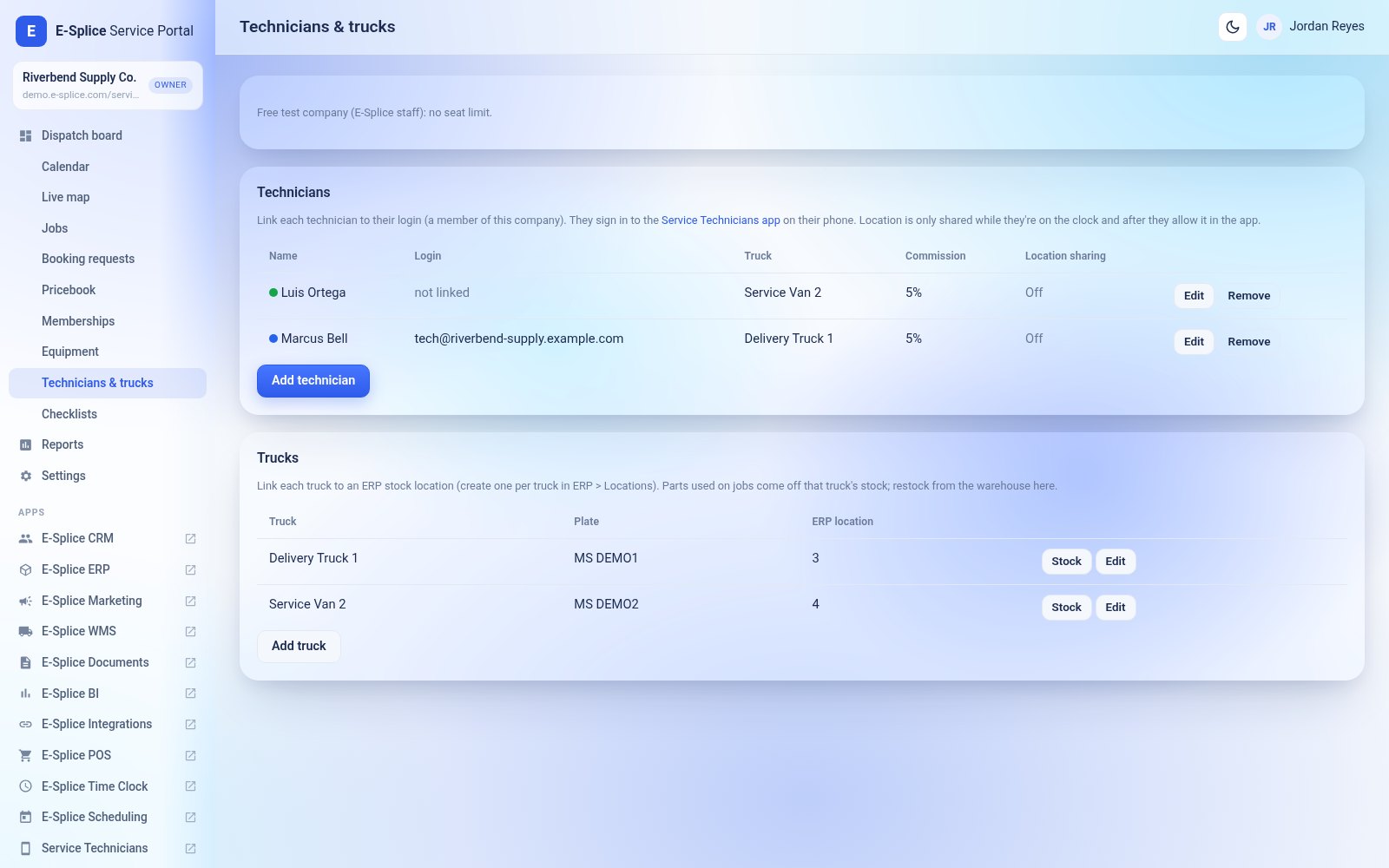

Each seat covers one active technician or one active vehicle, at $99/month. Service Portal counts whichever is higher: 3 technicians sharing 2 vans use 3 seats.
- Add-on buyers pay for every seat. There is no free seat.
- The Team plan includes 1 seat.
Add or remove seats
- Go to My Account > Subscriptions and open your Service Portal subscription.
- Click Change plan / quantity.
- Under Service Portal technician / vehicle seat, enter the new number of technicians and click Preview change.
- Check the price, then click Confirm.
Adding seats is prorated: you pay only for the rest of the current month, and the new total applies from the next renewal. Removing seats takes effect right away and the unused part is credited to your next renewal.
The Technicians & trucks page shows how many seats are in use. If all seats are used, adding another technician or vehicle (or re-activating one) asks you to buy more seats. If you remove seats while more technicians are active, existing technicians keep working, but you can’t add any until you’re back within your seats.