

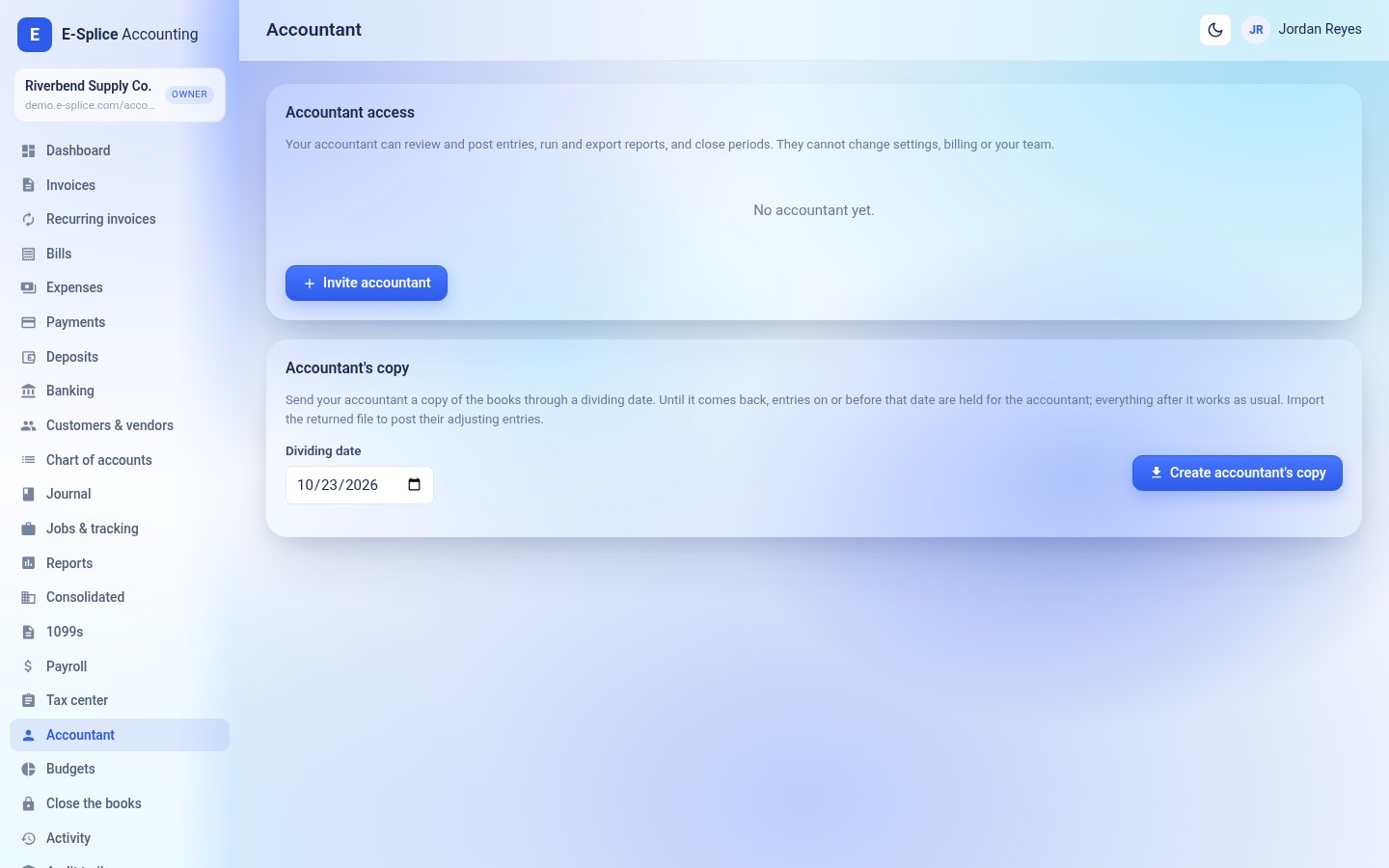
Give your accountant access
In Accountant, choose Invite accountant and enter their email. The Accountant role can review and post entries, run and export reports and close periods, but cannot change settings, billing or your team. Remove access at any time.
Send an accountant’s copy
- In Accountant, choose a dividing date (usually your year end) and Create accountant’s copy. A file downloads; send it to your accountant.
- Until the copy comes back, entries on or before the dividing date are held for the accountant. Everything after it works as usual.
- Your accountant makes their adjusting entries and returns the file. Choose Import returned copy: their entries are posted and the hold is lifted.
- If the copy won’t come back, choose Cancel copy.
Tax center
The Tax center has three tabs:
- Income tax summary: totals for each line of Schedule C, Form 1120, 1120-S or 1065 for the year, ready to print for your preparer.
- Tax line mapping: assign each account to a tax line. Unmapped accounts use a suggested line until you review them.
- Sales tax liability: tax collected and paid by month or quarter.
When your accountant is done, close the year in Close the books.
