
Sign in
Sign in to your E-Splice account.
Sign in
Sign in to your E-Splice account.

Sign up
Create your E-Splice account.
Sign up
Create your E-Splice account.
Last updated Oct 22, 2026
In short: E-Splice Data Migration moves your customers, vendors, products, balances and history into E-Splice from export files: QuickBooks Desktop/Online, Xero, Sage, FreshBooks, Wave, Lightspeed, Square, Clover, Shopify, Stripe or any CSV/Excel file (up to 200 MB per file, several at once). Everything goes to a review queue first, only the rows you select are imported, duplicates are flagged, and an import can be undone in one step. Moving from QuickBooks specifically? Follow our step-by-step guide: how to switch from QuickBooks.
E-Splice Data Migration brings your customers, vendors, products, opening balances, open invoices and bills, and history over from the system you use today, into E-Splice Accounting, ERP and Time Clock. Nothing is written until you have reviewed it, and every import can be undone.
Start a 14-day free trial Read the migration guide
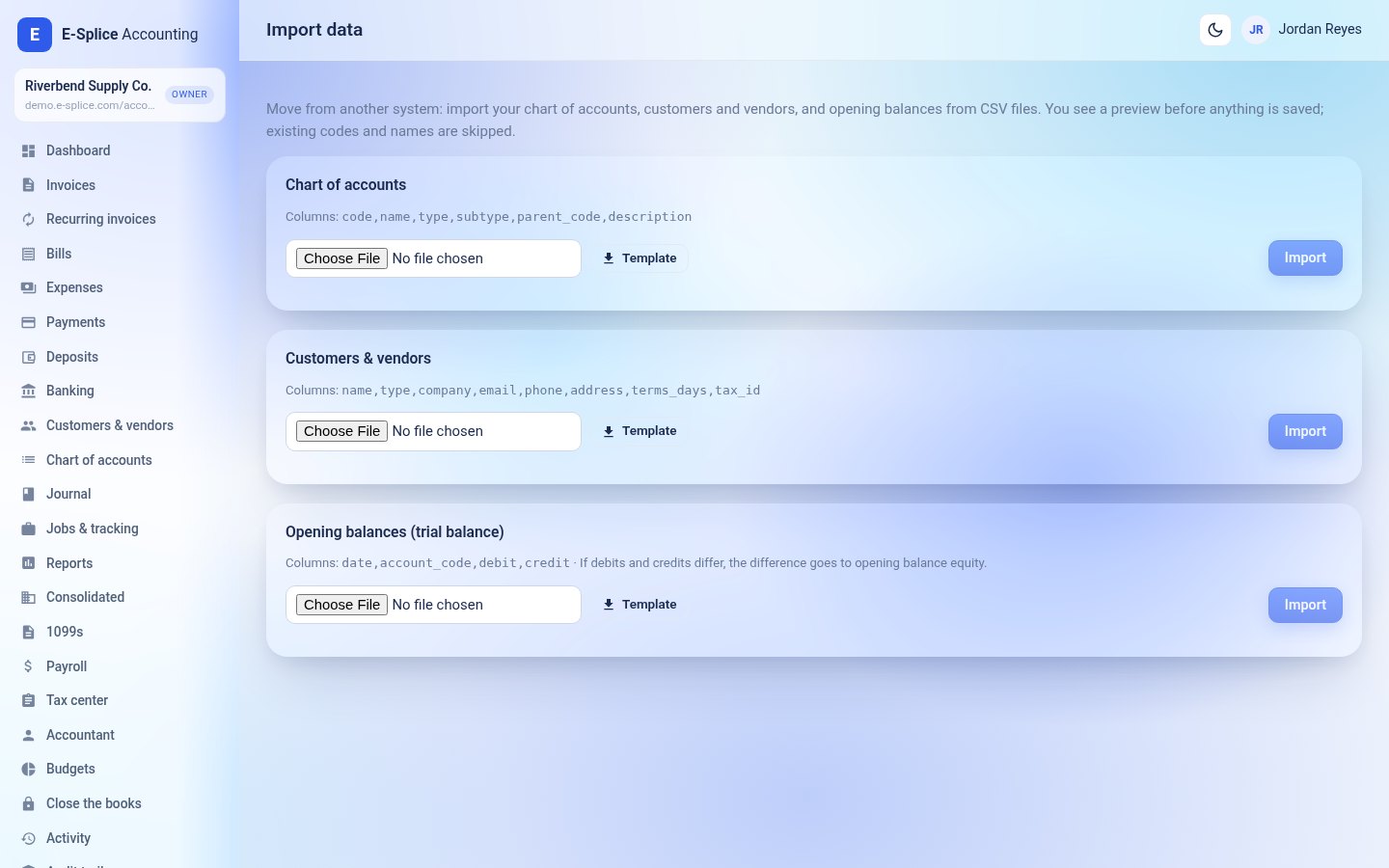
QuickBooks Desktop (IIF lists and transactions, or Excel/CSV reports), QuickBooks Online (the export ZIP or single reports), Xero, Sage, FreshBooks, Wave, Lightspeed, Square, Clover, Shopify, Stripe, or any spreadsheet (CSV, Excel .xlsx or tab-separated).
Company files (.QBW / .QBB) can’t be read directly because the format is closed; the app shows you how to export the data instead. Product names belong to their owners; E-Splice is not affiliated with them.
Workspace owners and managers. It’s included for E-Splice customers with Accounting, ERP or Time Clock. Open it from the Apps menu, or from Accounting > Import data.
Will it change anything before I confirm?
No. Uploaded data sits in the review queue until you press Import.
Can I import the same file twice?
Rows that match existing data are flagged as duplicates, so you can skip or merge them.
Can I undo an import?
Yes. Each import can be undone as a whole.
Do you keep my Stripe key?
No. It’s a read-only key used for that pull only and is not stored.
How large can my files be?
Up to 200 MB per file, and you can upload several files at once.
Can I import my QuickBooks company file (.QBW/.QBB)?
Not directly. Export IIF files, Excel/CSV reports or the QuickBooks Online export ZIP instead; the app shows you how. Step-by-step: how to switch from QuickBooks.
Can I import from Zoho, ServiceTitan, Jobber or Housecall Pro?
Yes, as generic CSV or Excel spreadsheets exported from those products. There are no dedicated presets for them.
Is there a trial?
Yes. Basic, Premium and Team each come with a 14-day free trial. You add a card or PayPal at signup, nothing is charged for the plan until day 15, and you can cancel from My Account before then. E-Splice does not offer a free plan.
Try E-Splice free for 14 days with Basic, Premium or Team. Card or PayPal at signup; nothing is charged for the plan until day 15, and you can cancel from My Account before then.
Start your 14-day free trial Talk to us or call 833-363-5233
