
Sign in
Sign in to your E-Splice account.
Sign in
Sign in to your E-Splice account.

Sign up
Create your E-Splice account.
Sign up
Create your E-Splice account.
Last updated Oct 22, 2026
In short: E-Splice ERP is small business ERP software for the sales and stock side of a business: products, inventory, estimates, sales orders and purchase orders. It is built for small retailers, distributors and service businesses that want ERP inside an all-in-one small business software account instead of a separate system.
E-Splice ERP runs the sales and stock side of your business: products and inventory by location, estimates, sales orders, invoices, purchase orders and suppliers, on one dashboard. It shares customers, products and locations with CRM, POS, WMS and Accounting, and its invoices and payments post to your books automatically.
Try it free for 14 days with Basic Read the ERP guide
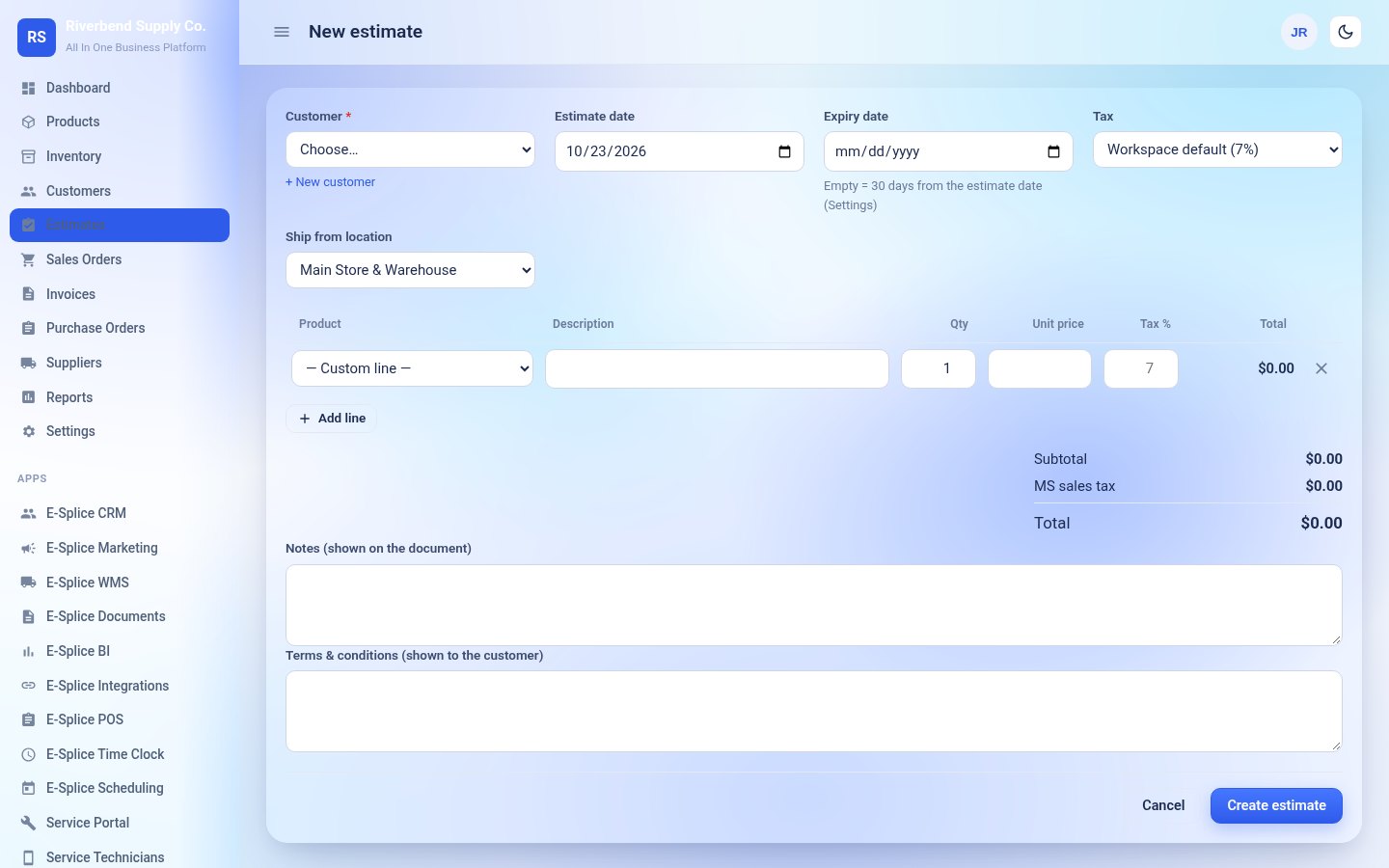
With E-Splice Accounting, ERP invoices, payments and received purchase orders post to the ledger automatically, and ERP locations can be used for location reporting and payroll. Moving from another system? Data Migration imports customers, items and open documents.
Can customers accept an estimate online?
Yes. The emailed estimate links to a secure page where the customer accepts (signing with their name) or declines. You see the result in ERP.
Can I turn an estimate into an invoice?
Yes. Convert it to a sales order or straight to an invoice.
How do I handle tax-exempt customers?
Open the customer, tick Tax exempt and enter the reason. New documents for that customer default to no tax; you can still choose a rate on a line if needed.
Can I use different tax rates?
Yes. Create named rates in ERP settings, pick one per document or per line, and set defaults per customer or product.
Is ERP included in every E-Splice plan?
Yes. ERP is included in Basic, Premium and Team.
Does ERP connect to accounting?
Yes. ERP and Accounting share the same customers and products in one account.
Can I import my products and customers?
Yes. E-Splice Data Migration imports export files from QuickBooks Desktop/Online, Xero, Sage, FreshBooks, Wave, Lightspeed, Square, Clover, Shopify, Stripe or any CSV/Excel file (up to 200 MB per file). Everything goes to a review queue first, only the rows you select are imported, duplicates are flagged, and an import can be undone in one step.
Is there a trial?
Yes. Basic, Premium and Team each come with a 14-day free trial. You add a card or PayPal at signup, nothing is charged for the plan until day 15, and you can cancel from My Account before then. E-Splice does not offer a free plan.
Try E-Splice free for 14 days with Basic, Premium or Team. Card or PayPal at signup; nothing is charged for the plan until day 15, and you can cancel from My Account before then.
Start your 14-day free trial Talk to us or call 833-363-5233
